

AI call center software for inbound and outbound
CALL puts AI agents and human agents on one screen. On inbound, the AI answers first, resolves routine questions and sends the rest to the right queue. On outbound, AI agents work through campaigns within your calling rules. Every call is transcribed and summarized, and quality review and workforce management sit in the same place.
What you can run on CALL
AI first response on inbound
The AI answers, finds out what the caller needs and answers routine questions. Calls that need a person go to a queue.
Outbound campaigns
AI agents call through a list within calling windows, attempt limits and your do-not-call list.
Guide: Create an AI call campaign
Summaries that cut wrap-up
Every call is transcribed and summarized, so after-call work and handovers take less time.
Quality and workforce management
Score calls, watch a supervisor dashboard and plan staffing in one place.
Browser softphone
Human agents take calls in the browser, in the office or at home.
How to get started
1. Try the AI for free
Make a test call from your browser and hear how the AI answers.
2. Set up queues and agents
Create queues, hours and agent skills.
Guide: Set a queue's skill, overflow, ringing and announcements
3. Hand calls to the AI step by step
Start with after-hours and routine calls, then widen as summaries and quality scores show it working.
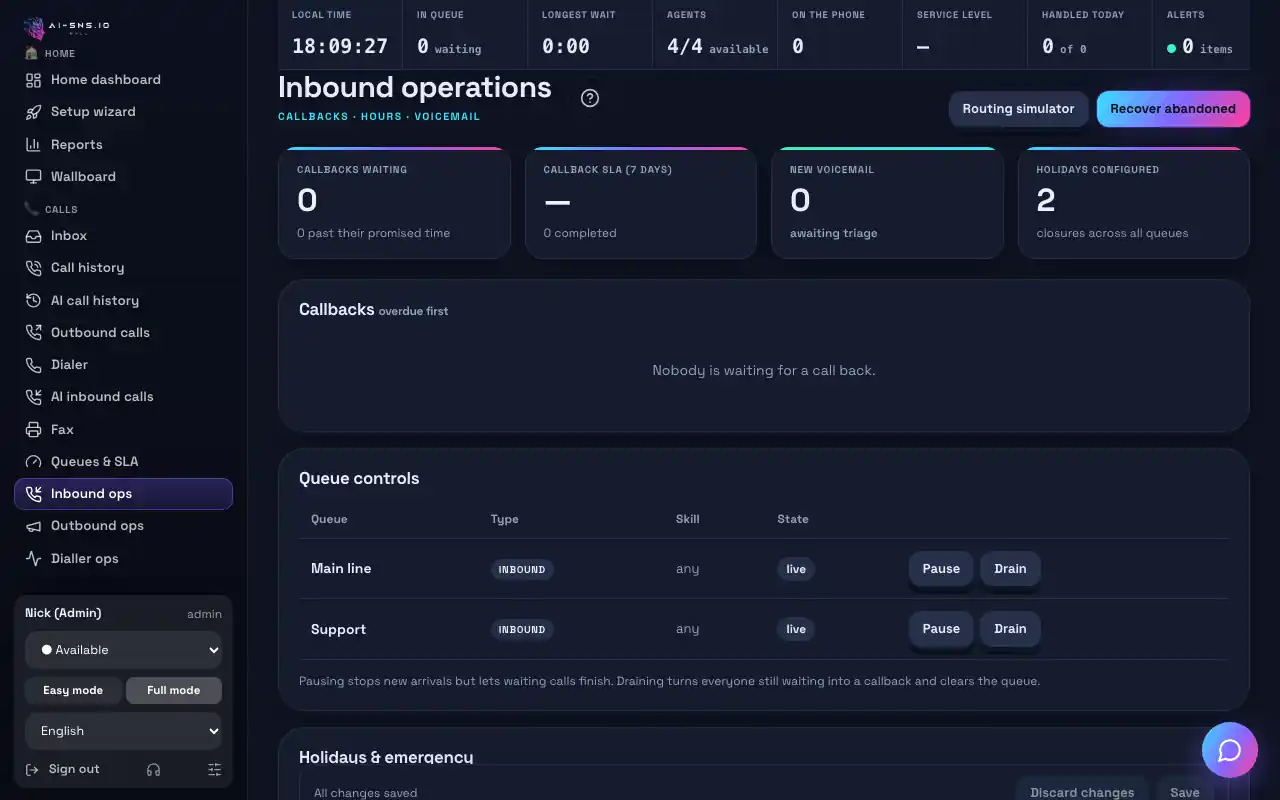
Guide: Inbound ops
Frequently asked questions
Can the AI work alongside our human agents?
Yes. The AI answers first and passes calls to human queues; your agents answer in the browser softphone on the same screen.
Does it do outbound calling too?
Yes. AI agents run outbound campaigns within calling windows, attempt limits and your do-not-call list, and a stop-all switch halts every call at once.
→ Outbound AI calling, with guardrails built in
Where do I see what was said on a call?
Every call is transcribed and summarized in your call history, and you can have a summary emailed to you. Your admins set how long recordings and transcripts are kept.
→ How teams use AI call summaries
Can I try it for free?
Yes. The free plan costs nothing a month: call your AI agent from the browser or your own phone and hear exactly how it answers. Answering a real business number needs a paid plan; plans and included minutes are on the pricing page.
→ See plans and pricing
Read next
Hear your AI agent answer, free
On the free plan you can make a test call from your browser and hear exactly how the AI answers.