

An AI receptionist that answers when you can’t
CALL answers your business phone in a natural voice, any hour you choose. It answers common questions from the information you give it, takes booking requests and messages, transfers urgent callers to your team and leaves a transcript and summary of every call.
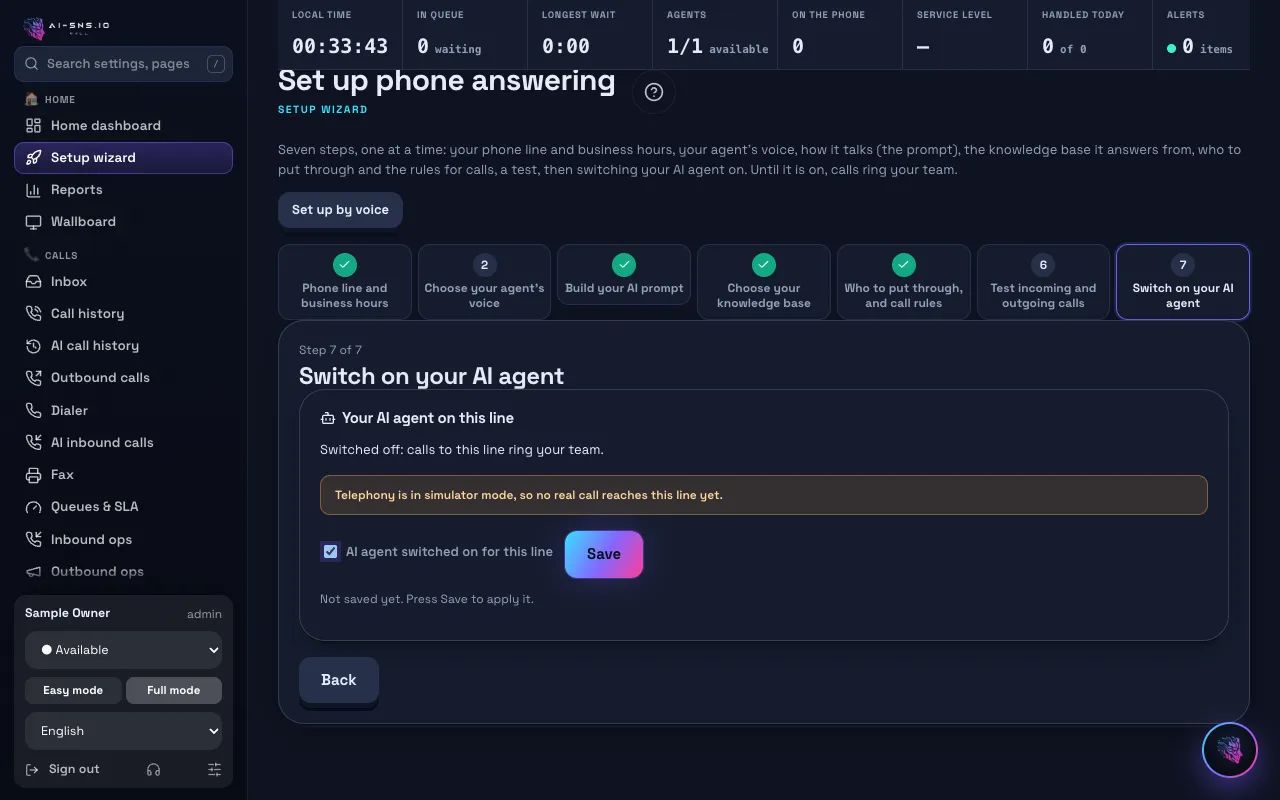
What your AI receptionist does
Answers common questions
Hours, location, services and prices: the AI answers from the knowledge you add and never makes up facts that are not there.
Takes booking requests and messages
It collects the caller's name, number, reason for calling and preferred time, and records them for your team to confirm.
Transfers urgent calls
Calls that match your rules go straight to a person, or your team gets notified with a summary.
Summarizes every call
Each call is transcribed and summarized, so nobody has to listen back to a recording.
Speaks your callers' language
The agent answers in the caller's language and keeps it for the whole call.
How to get started
1. Sign up free and hear the AI
Create a free account and make a test call from your browser.
2. Teach it your business
Add your hours, common questions and the rules for messages, booking requests and transfers. You can also add web pages and files as knowledge.
3. Send calls to the AI
Answer calls on a phone number from a paid plan. Start with after-hours or overflow calls and widen from there.
Guide: AI inbound calls
Frequently asked questions
Does the AI confirm bookings on the call?
No. It takes the booking request and records it; your team confirms it with the caller. That keeps your calendar under your control.
What if a caller wants a person?
The AI takes the details and hands the call over as a transfer to your team or as a call-back request. Your instructions and rules decide which calls go to a person.
Can it answer only after hours or when we are busy?
Yes. Set your opening hours and after-hours message, and let the AI take only the calls that come in at night, at weekends or when your team is busy.
Will callers know they are talking to an AI?
By default the opening greeting says that an AI is answering. You can edit the wording and add your recording and transcription notice.
Can I try it for free?
Yes. The free plan costs nothing a month: call your AI agent from the browser or your own phone and hear exactly how it answers. Answering a real business number needs a paid plan; plans and included minutes are on the pricing page.
→ See plans and pricing
Read next
Hear your AI agent answer, free
On the free plan you can make a test call from your browser and hear exactly how the AI answers.