

Outbound AI calling, with guardrails built in
CALL's AI agents call through your lists to confirm appointments, send reminders and make a first sales contact. Calling windows, attempt limits, a do-not-call list and a stop-all switch are part of the product, not an add-on.
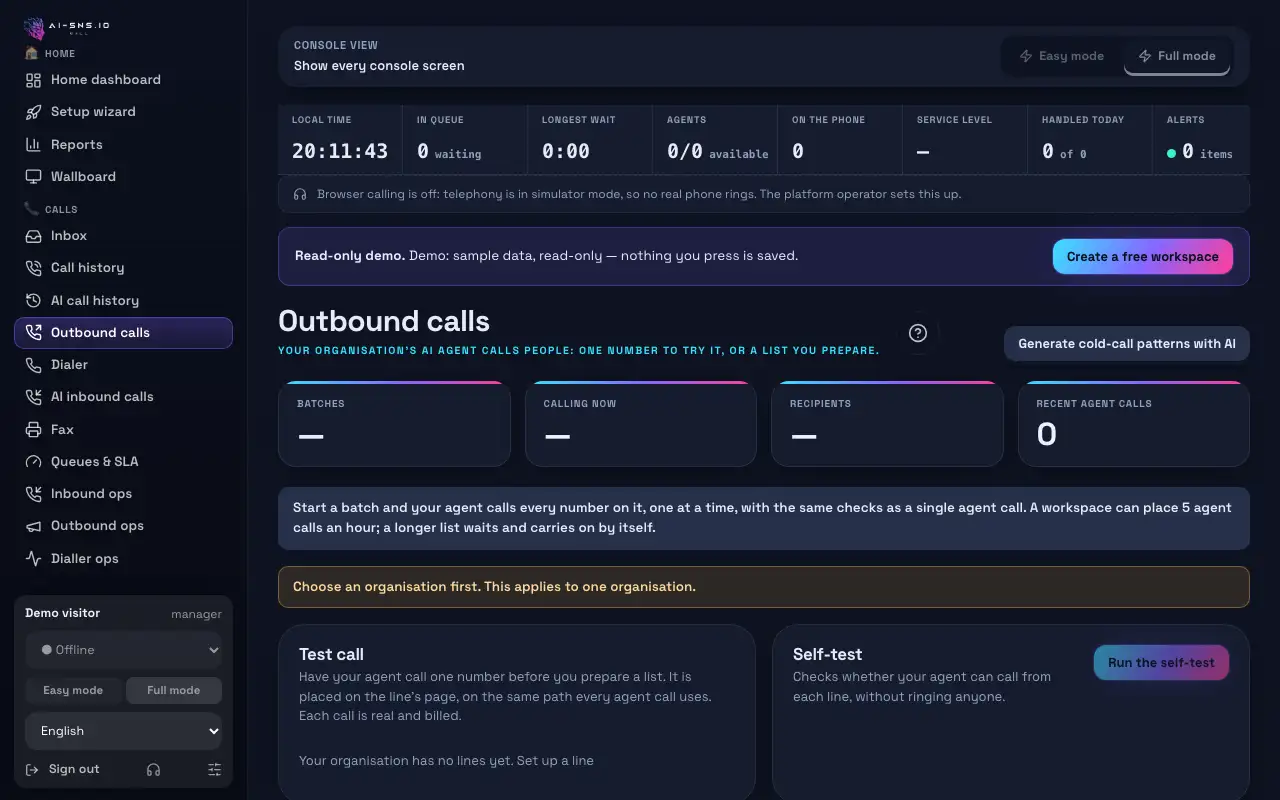
What outbound AI calling handles
Reminders and confirmations
Call the day before an appointment to confirm it and take requests to change or cancel.
First sales contact
Introduce an offer, ask if the person is interested and pass interested contacts to your team with a summary.
Batches and campaigns
Group numbers into batches, start and stop campaigns, and see the result for every number.
A summary of every call
Each call is transcribed and summarized so the next step is clear.
Guardrails built in
Stop-all switch
One switch stops every outbound call at once.
Opt-outs that stick
When a person says no or asks not to be called, the AI closes politely, ends the call and puts the number on your do-not-call list. Numbers on the list are refused before any call is placed, from the dialer, batches or campaigns.
Guide: A call was refused: the number is on a do-not-call list
Calling windows and attempt limits
Calls go out only in allowed hours and within the number of attempts you set.
Guide: A call was refused: attempt limit or country limit reached
An honest opener
On sales calls the AI says who it is calling for, that it is an AI assistant and that it is a sales call, in its first sentence.
US and Canada consent
AI calls to US and Canadian numbers are refused unless you hold a record of prior written consent for that number. International calling is off by default.
Guide: A call was refused: international, US or Canadian number, or a special number
Rules depend on your business and where you call. Check with a professional if you are unsure.
How to get started
1. Decide what the call says
Write who is calling, why, and how to respond when someone says no.
2. Create a campaign
Pick the AI agent and calling instructions, then add a batch of numbers.
Guide: Create an AI call campaign
3. Test, then start small
Hear the call in a test, then start with a small batch.
Frequently asked questions
What happens when someone asks not to be called?
The AI recognises the refusal, thanks them in one sentence, ends the call and adds the number to your do-not-call list. It will not be called again from any campaign.
Can I call US numbers?
Only with a record of prior written consent for each number; otherwise the AI call is refused. The TCPA guide explains the rules (in Japanese).
→ US calling rules (TCPA) explained
Can I stop all calls at once?
Yes. The stop-all switch halts every outbound call immediately.
Will callers know they are talking to an AI?
By default the opening greeting says that an AI is answering. You can edit the wording and add your recording and transcription notice.
Read next
Hear your AI agent answer, free
On the free plan you can make a test call from your browser and hear exactly how the AI answers.