

Voicebot: AI that answers your phone
A voicebot is AI that talks with callers by voice. It turns what the caller says into text, works out what they mean and how to answer, and replies in a synthesized voice. This page explains how a voicebot works, how it differs from chatbots and IVR, what to compare when you choose one, and how to get started.
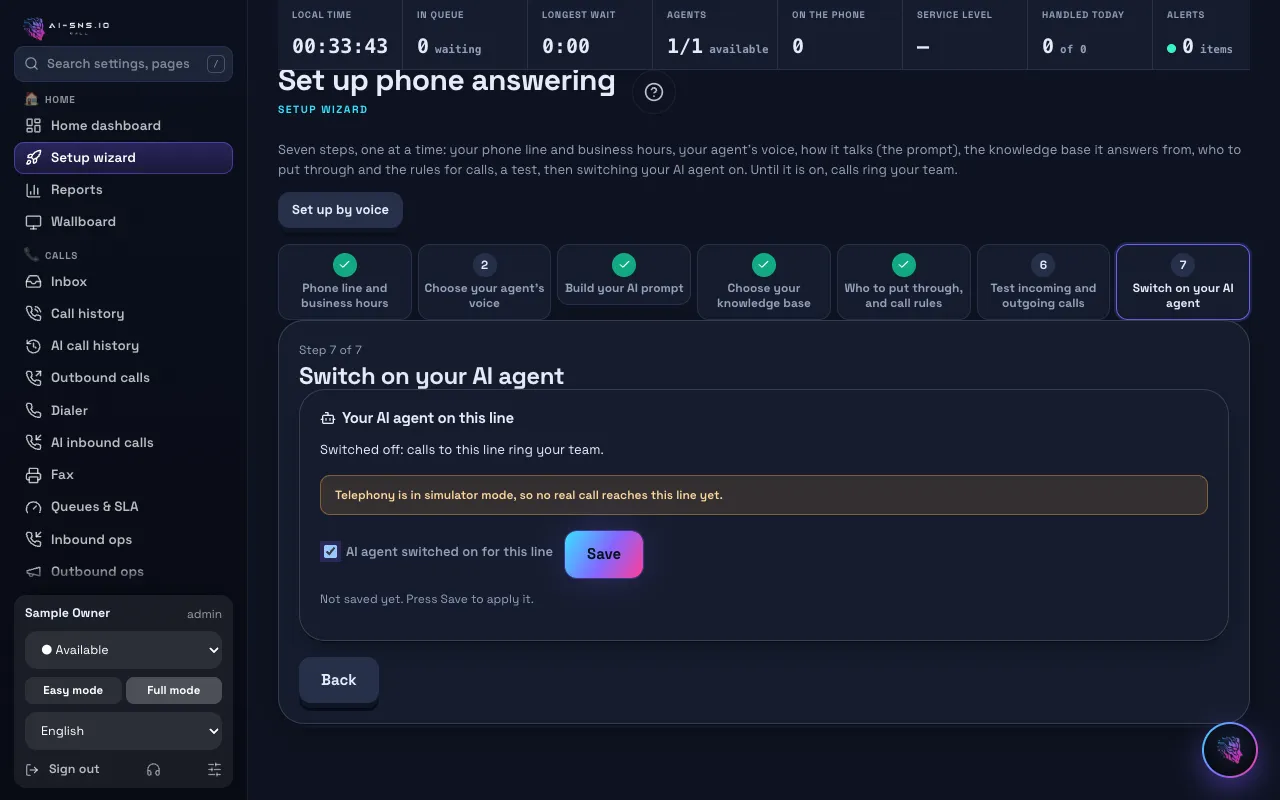
What does voicebot mean? How it works
A voicebot (or voice bot) is software that holds a spoken conversation. It runs on three technologies working in turn during the call: speech recognition (speech-to-text) turns the caller's voice into text, a language model understands the text and decides the reply, and speech synthesis (text-to-speech) speaks the reply. Together they let the voicebot talk at close to the pace of a person.
Voicebot vs chatbot vs IVR
A chatbot exchanges text; a voicebot talks on the phone, so it can serve callers who never touch a keyboard.
An IVR splits calls by number (“For X, press 1”). A voicebot understands what the caller says, so nobody has to sit through a menu. You can combine them: fixed routing in the IVR, free conversation with the voicebot.
How to choose the best voicebot
5 points, one card each.
Natural conversation
Make a test call and talk to it: check how well it hears you, the timing of replies and how the voice sounds.
Where the answers come from
Check that you can add your own information (hours, prices, procedures) and that it answers from it.
Handoff to a person
Calls the AI cannot finish should reach your team as a transfer or a call-back request.
Records and review
Transcripts and summaries, and the ability to correct answers afterwards, decide how much work it is to run.
Clear pricing
Check that the monthly price and the call volume it covers are clear before you start.
What CALL's voicebot does
- Answers incoming calls in a natural voice and answers common questions
- Takes booking requests and messages, and passes calls to your team
- Transcribes and summarizes every call
- Uses web pages and files you add as knowledge for its answers
- Places outbound calls such as appointment reminders and confirmations
How to get started
3 steps, in order.
1. Choose the calls to hand over
Start with the most common requests or after-hours calls.
2. Add your information and rules
Add common questions and the rules for passing calls on, then make a test call.
3. Start small and widen
Read the call summaries, correct answers and hand over more calls step by step.
Frequently asked questions
Is a voicebot the same as an AI phone agent?
Almost. A voicebot used to answer phone calls is often called an AI phone agent, AI voice agent or AI receptionist.
What if the voicebot is asked something it cannot answer?
You can set it not to guess, but to take the caller's details and pass the call to a person.
Will callers know they are talking to an AI?
By default the opening greeting says that an AI is answering. You can edit the wording and add your recording and transcription notice.
Can I try it for free?
Yes. The free plan costs nothing a month: call your AI agent from the browser or your own phone and hear exactly how it answers. Plans, credits and included minutes are on the pricing page.
→ See plans and pricing
Read next
Hear your AI agent answer, free
On the free plan you can make a test call from your browser and hear exactly how the AI answers.