Following Up After Calls by SMS or Message: What to Send
When a short message after a phone call helps the customer, what to include, how to word it, and the consent and opt-out rules to settle before you send.
A call ends, and the details start to fade. The caller meant to write down the address, the reference number or the time, and did not. A short follow-up message solves that. Done well, it makes the service feel organised; done carelessly, it feels like spam or, worse, exposes private information.
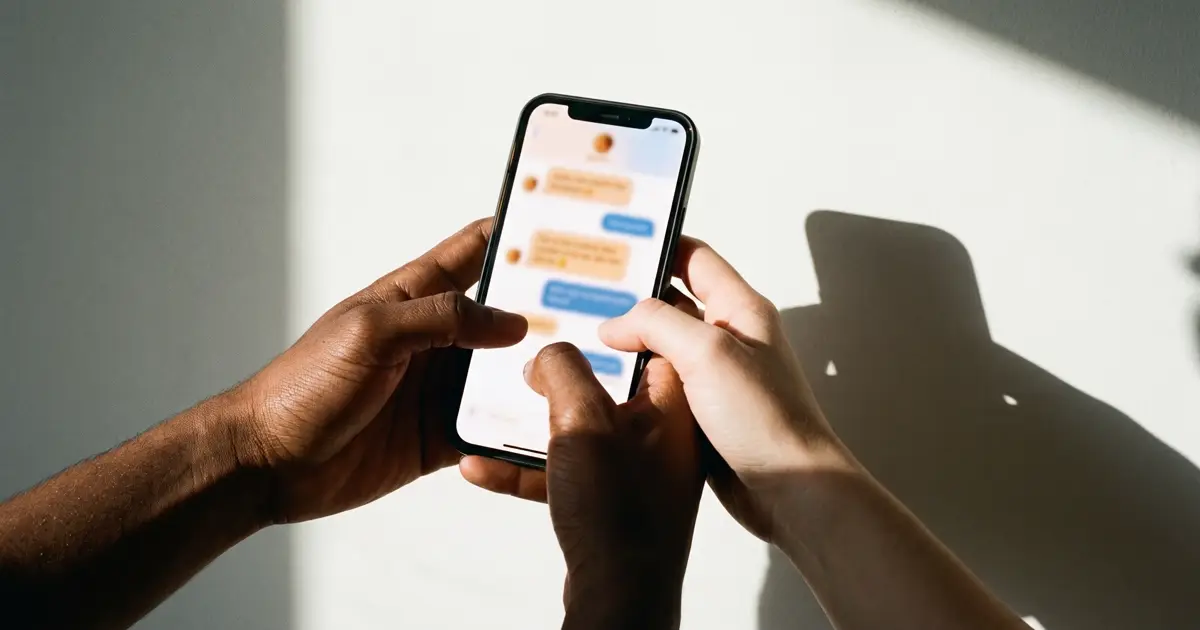
This guide covers when a message adds value, what to write, how to handle consent and replies, and what to measure. It leans on Managing Opt-Outs and STOP Requests and Message Templates in Call.
When a follow-up helps
Not every call needs one. Send a message when it gives the caller something useful that a voice cannot.
Good reasons to follow up
- Confirming an agreementThe time, date and place of a booking, or what was promised and by when.
- Sending detailsAn address, directions, a link to a form, or a reference number.
- Next stepsWhat the customer needs to do, in order.
- A missed callA short note saying you tried to reach them and how to reply.
- A requested summaryWhen the caller asked for something in writing.
When not to
Skip the message when the call was a complaint that needs a considered reply, when the caller asked not to be contacted, or when the only purpose is a sales pitch. Never use a service follow-up as a back door for promotion.
Choosing the channel
SMS is quick and works without an app, but it is short, plain, and less private than many people assume. Other channels may fit better.
Follow-up channels
| SMS | Chat app or email | |
|---|---|---|
| Reach | Almost any mobile phone | Only people who use the app or read the mailbox |
| Length and format | Short, plain text | Longer, with links, images or attachments |
| Expectations | Quick and informal | Can carry more detail and a record |
| Consent and cost | Subject to local messaging rules and carrier charges | Subject to its own rules and platform policies |
Ask the caller which they prefer when it matters. In markets where a chat app is the main way people talk to businesses, a message in that app may be more natural; see Customer Support on LINE Official Accounts.
Consent, opt-outs and timing
A message sent to a customer after they called you is usually closer to a service message than marketing, but the rules still apply. Many places require a legal basis or consent for texts, identification of the sender and a working way to opt out, and some limit the hours at which you may send.
Before the first message goes out
- You know the legal basis for contacting this person by this channel.
- The message names your business and its purpose.
- There is a simple, honest way to stop further messages.
- Opt-outs are applied everywhere within minutes.
- Messages are sent at reasonable hours in the person's local time.
- Promotional content is kept out of service messages.
- Anyone who said "no messages" on the call is excluded.
For the US picture see US TCPA Basics for Japanese Businesses.
Timing
Send soon after the call, while the conversation is fresh, but not in the middle of the night. For a booking made well ahead, one message at once and a reminder nearer the date is plenty. If you promised something by a certain time, send it before then; a message that arrives late is worse than a call that says it will be late.
What to write
A follow-up should be readable in a few seconds on a lock screen. Use this order:
- Who is writing: the business name.
- Why: "Following our call today".
- The useful part: the time, address, link or next step.
- How to reply or reach a person.
- How to stop, where the rules require it.
Anatomy of a good follow-up
- Sender"Greenfield Dental" (a hypothetical business)
- Reason"Thank you for calling today."
- Content"Your appointment is Tuesday at 10:30. Our address is on the link below."
- Reply route"Questions? Call the front desk."
- Opt-out lineWhere required, how to stop further messages.
Leave sensitive details out
Texts are read on lock screens and on shared devices. Do not include medical information, the reason for a legal enquiry, full account numbers, passwords or payment details. Link to a page that requires a sign-in, or ask the person to call. Never ask for payment details in a message.
Be careful with summaries
A summary of the call can be helpful, but errors become records. If an AI helps draft it, a person should check it before it is sent. Do not paste a full transcript into a message; if the caller needs one, use a controlled link and an access limit. See AI Call Summaries.
Keep a record of what was sent and when, attached to the call or the customer. If a dispute arises about what the customer was told, the message history is the evidence, and it saves the next agent from repeating the same information.
Handle replies
A message invites a reply. Decide who reads replies and how fast they are answered. Route them to a shared inbox, tag "stop" requests for immediate action, and tell agents not to promise things in a text that they cannot see in the system. A reply that asks to stop is an opt-out. See Shared Team Inboxes Explained.
Measure the effect
Check whether the follow-ups reduce confusion. Useful signals are fewer repeat calls asking for the same information, fewer no-shows, a lower rate of "I did not get the details" complaints and few opt-outs. If the stop rate rises, review the content and the timing. A sudden jump of replies asking "who is this?" suggests the sender name or the reason is unclear.
Doing it in Call
Call separates what staff can do from what an operator has to switch on.
- SMS is off by default. Call does not send texts by itself; SMS sending stays off until an operator turns it on for your organisation. Until then, nothing is recorded as sent, and the screens say why a message cannot be sent. Where it is enabled, you can text one contact or, for those with the right role, a list, and the screen reports at most that the provider accepted the message; delivery to the phone is not confirmed there.
- Skipped contacts. Contacts on the do-not-call list or at the do-not-call stage are always skipped, and a STOP reply withdraws SMS consent at once.
- Templates. Write messages once and reuse them. See Message Templates in Call.
- Summaries and history. Call history, transcripts and summaries help you write an accurate follow-up; see Using Call History and Summaries in Call.
- Other channels. Messages on other channels land in the shared inbox for a team to answer.
Because SMS may not be available, build your process so that a follow-up can also be an email or a call-back task.
Frequently asked questions
Should I send a message after every call?
No. Send one when it adds something the caller needs, such as confirmation, details or a next step. Messages after every call can feel like noise and increase opt-outs.
Do I need consent to text customers after a call?
Often you need a legal basis or consent, and a way to opt out, though the rules differ by country and message type. Check your regulator's guidance or ask a qualified adviser.
What should I never put in a text?
Sensitive information, passwords, full account numbers and payment details. Use a protected page or ask the person to call instead.
Can an AI write the follow-up?
It can draft a summary or a message, but a person should check anything that goes to a customer. Errors in a message become part of the record.
What if someone replies STOP?
Treat it as an opt-out straight away. Apply it to every system that can send messages, and record when and how it was received.